






MANUALS
OTHERS
FIBER – OPTIC SIGHT PIN
Installation
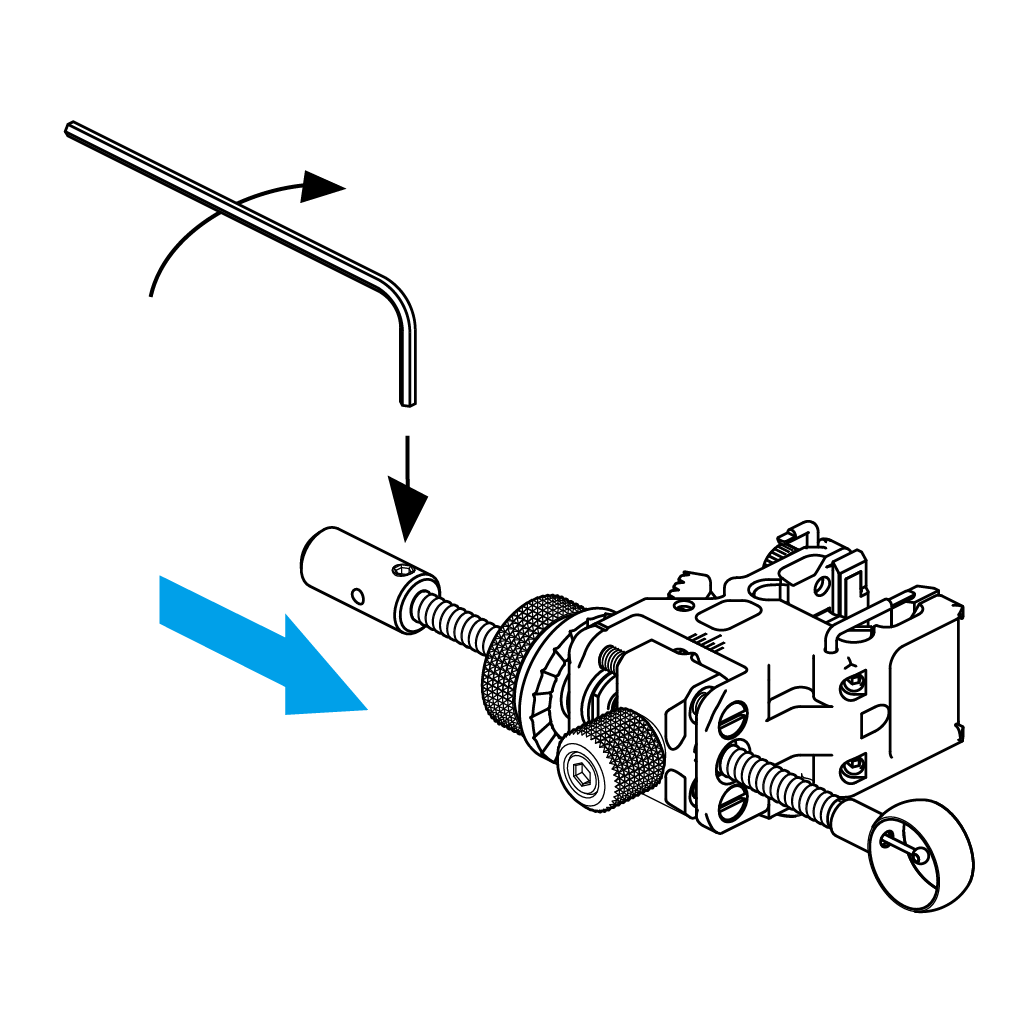
- Loosen the UL-45 Set Screw.
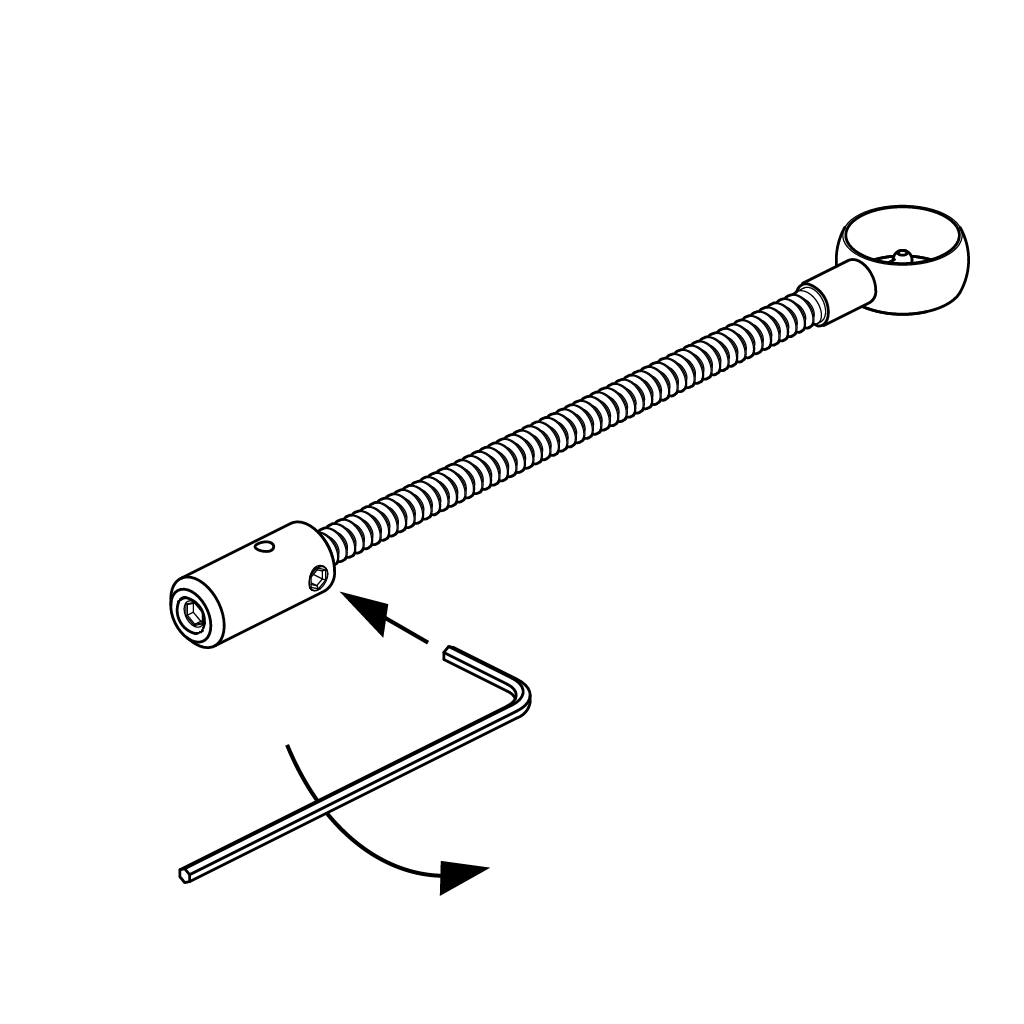
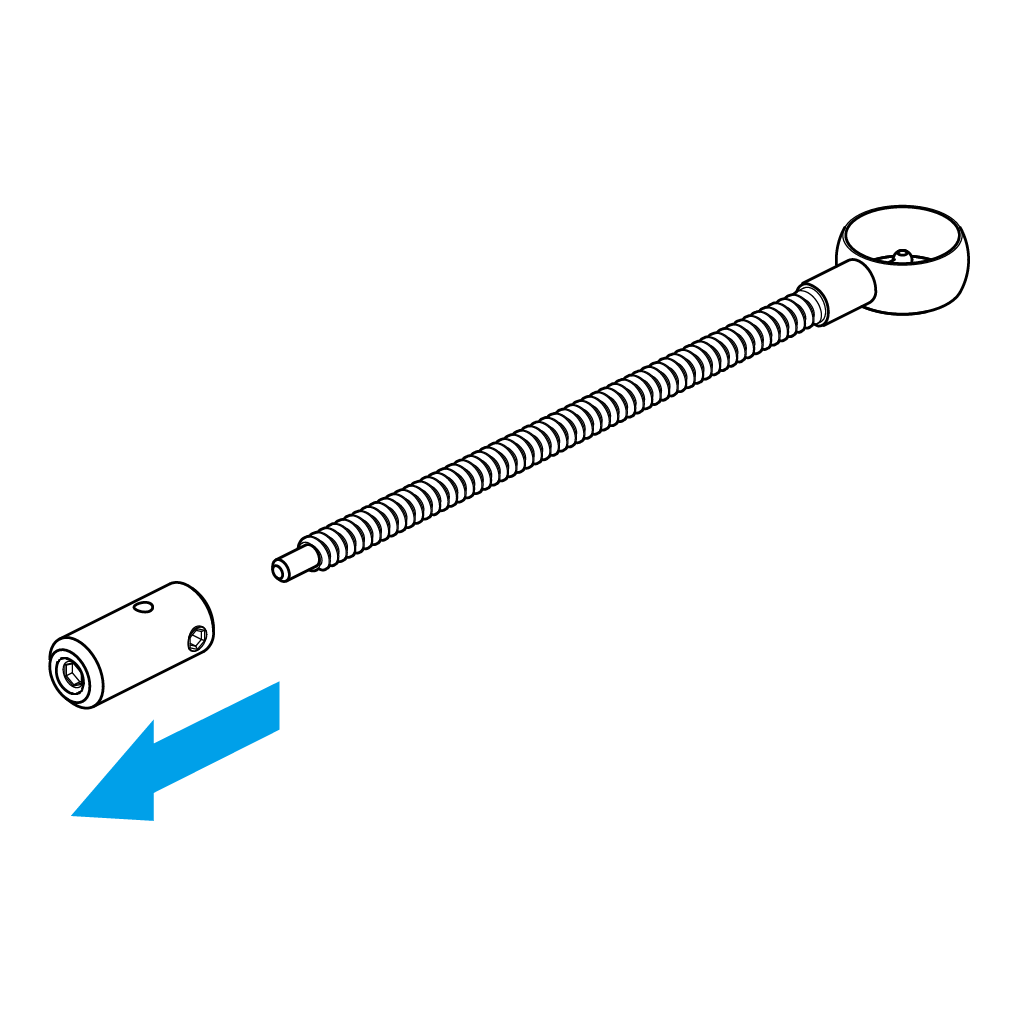
- Remove Fiber Holder.
- Thread sight pin into sight block.
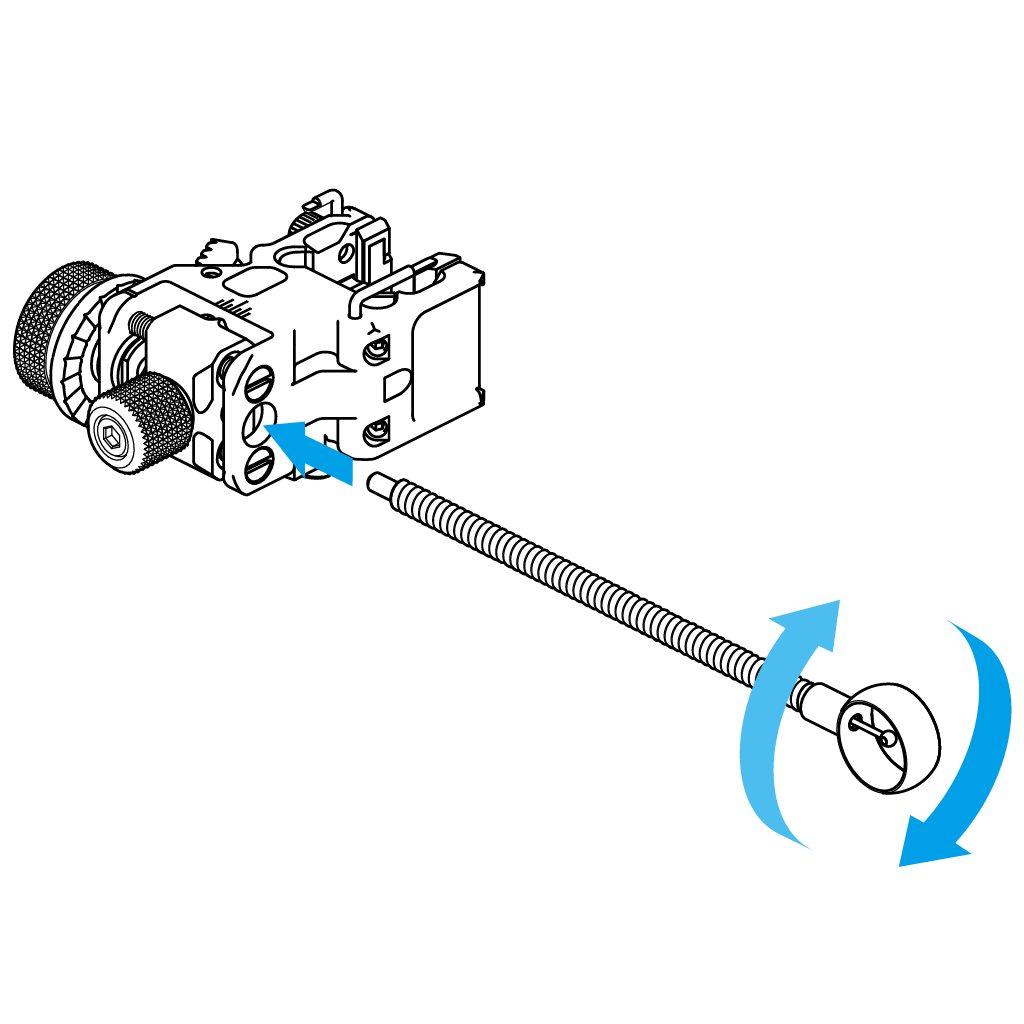
- Replace Fiber Holder. Tighten UL-45 Set Screw.
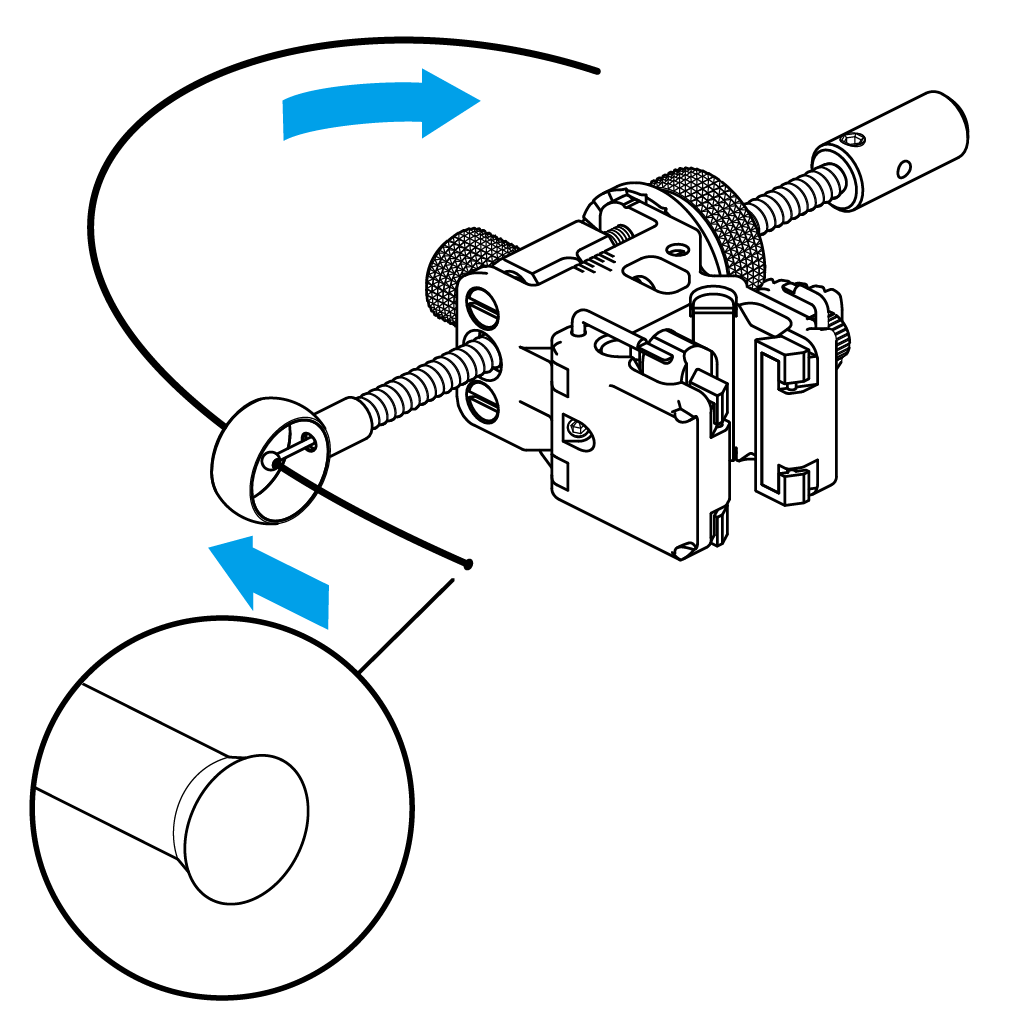
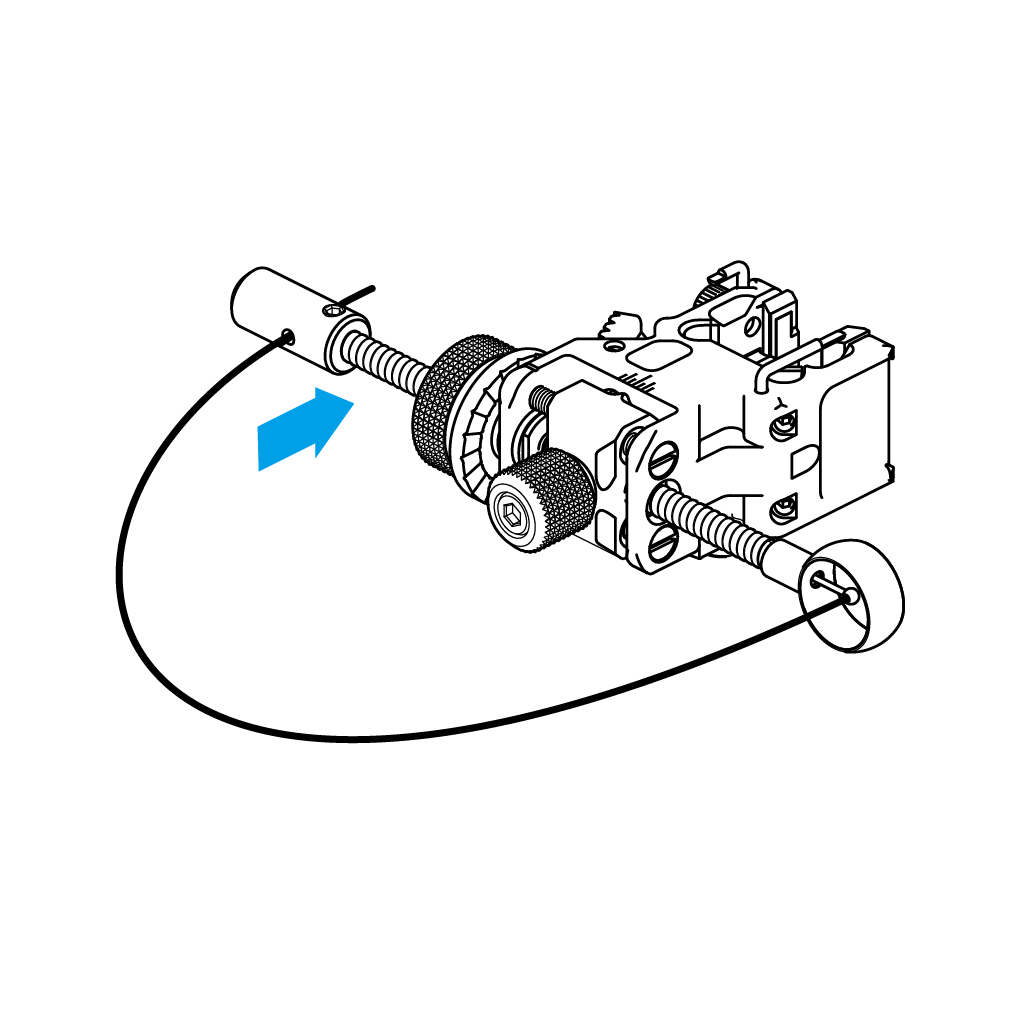
- Pull fiber optic through the hole in the aperture hood. Note that one of the fiber ends is melted into a ball, making it larger – insert the fiber optic from the narrow end.
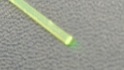
〇 (Narrow End)
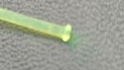
×
- Insert the narrow end of the fiber optic into the Fiber Holder.
NOTE
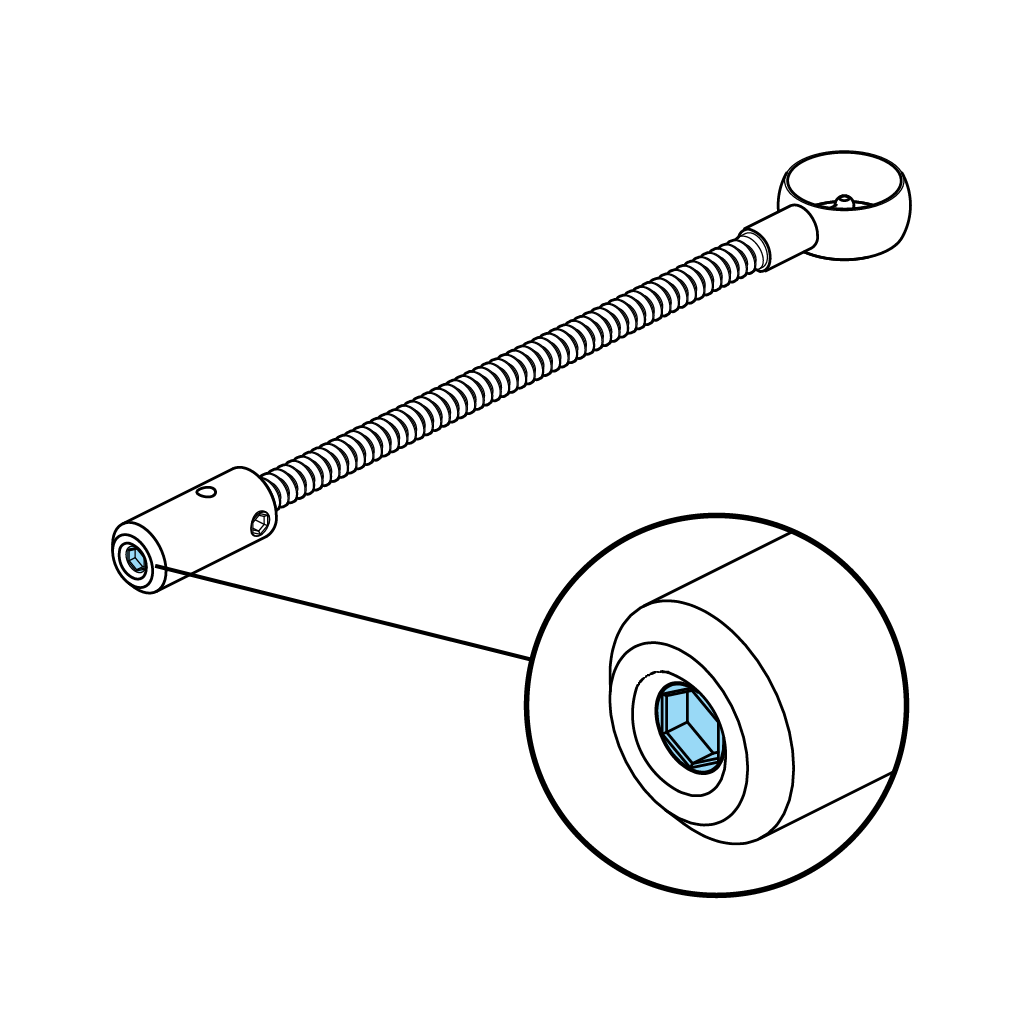
- Note that the screw at the far end of the Fiber Holder is for setting the spring tension to hold the fiber.
It does not need to be adjusted or removed under normal use.
Everyday Care
- Remove the fiber optic from the sight pin after use, and store it separately from the sight block.
- Make sure it is protected from excessive bending, for example by placing it back into the packaging during transport.
MP WRENCH
Guidelines for use
- Attach the felt strips included in the package to avoid damage to your stabilizer.
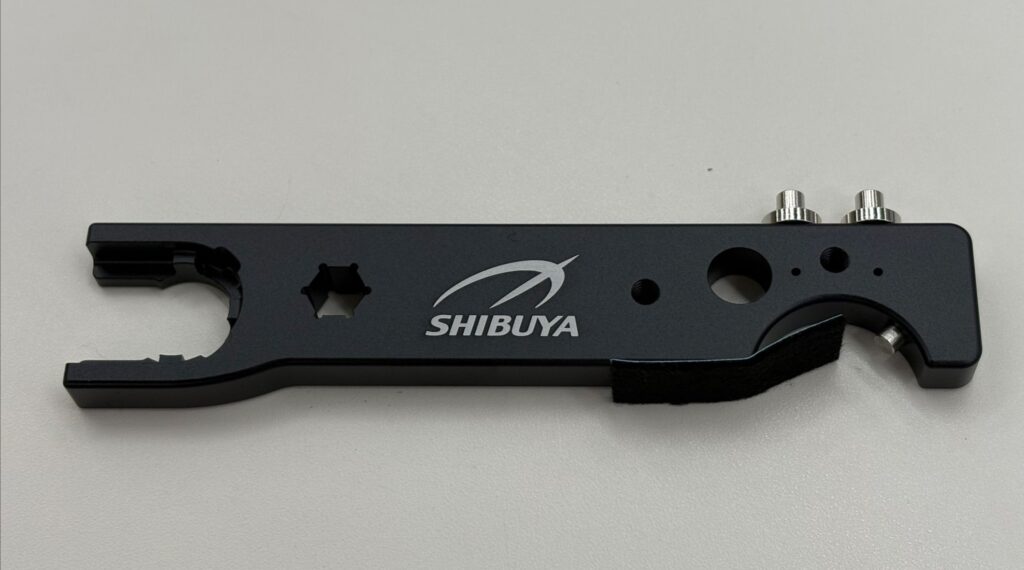
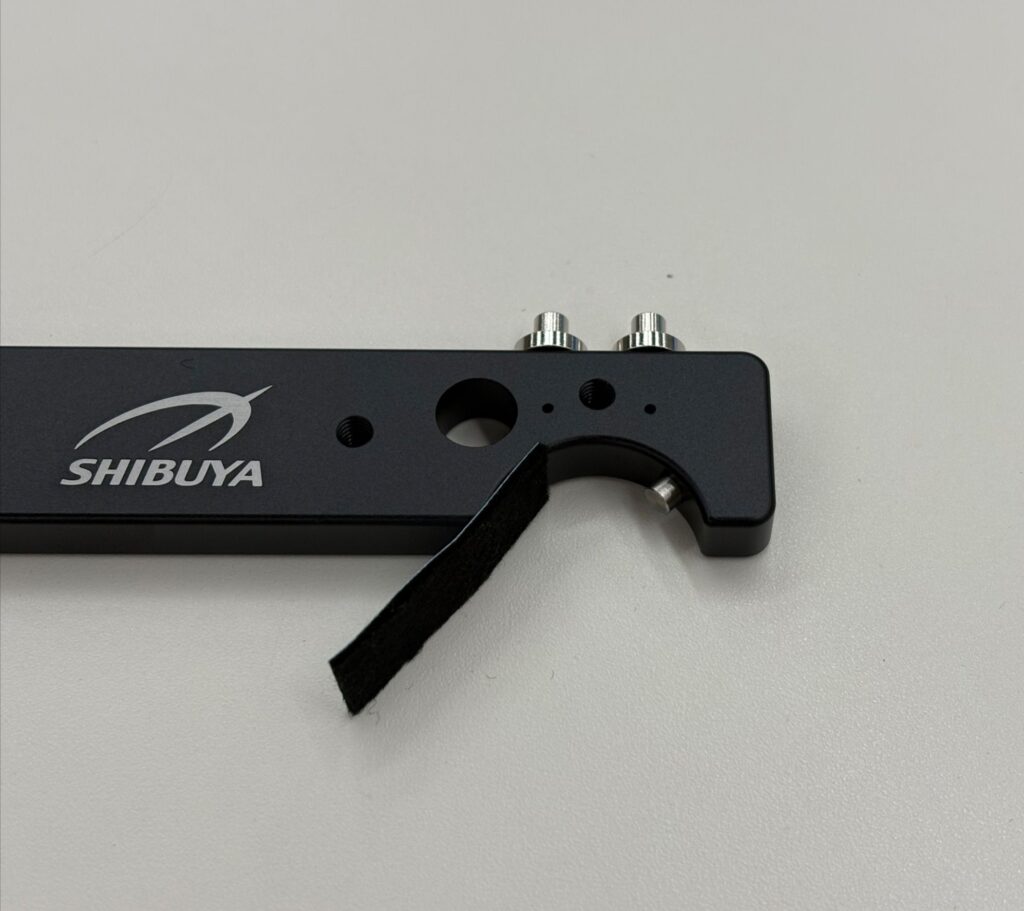
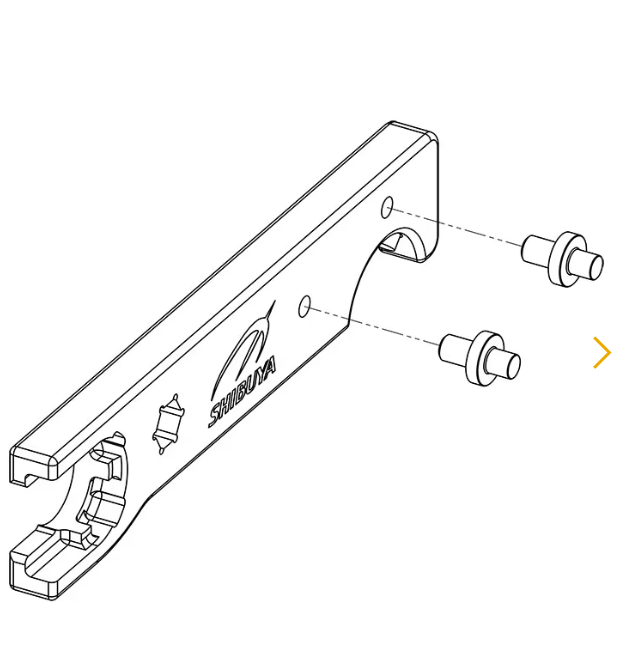
- Remove the pins from the side of the wrench and insert them into the threaded holes as shown.
You may replace them in the original position for more compact travel.
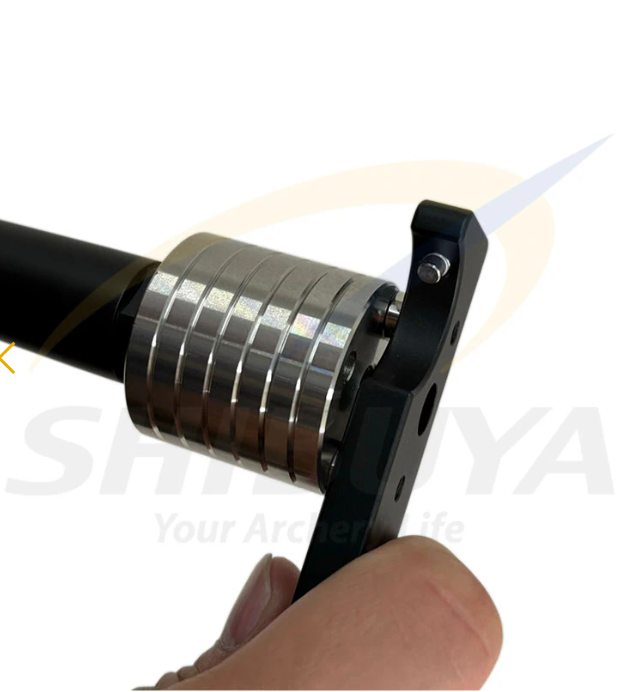
- Use MP Wrench as shown to securely fasten or loosen SHIBUYA Disc Weights.
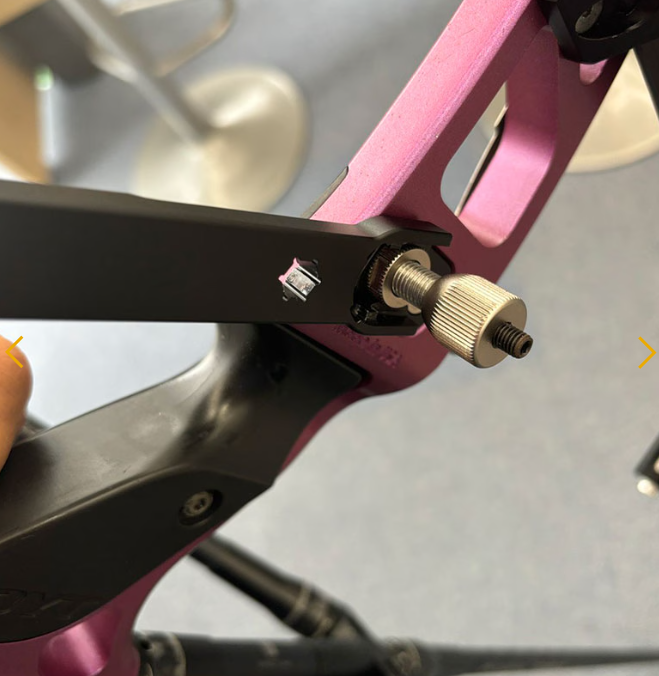
- Use the Plunger side of the MP Wrench as shown to fasten or loosen SHIBUYA DX Plungers.
TRANSPORTER 49.0L/56.5L
Setting the Lock Combination
- The factory lock combination is 000.
- Open case and locate the red tab on the inside of the lock.
- Remove red tab from lock.
- Slide the lever in the unlocked position.
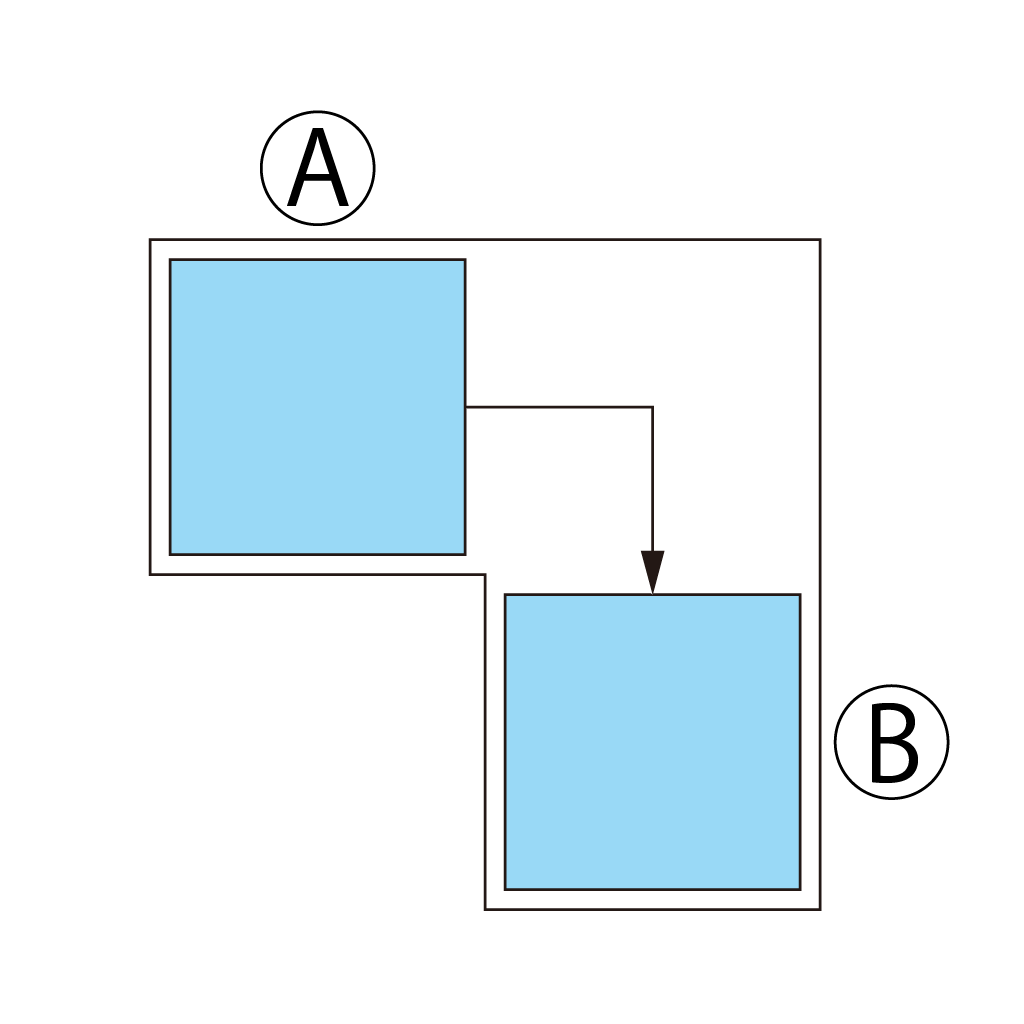
- Set preferred lock combination.
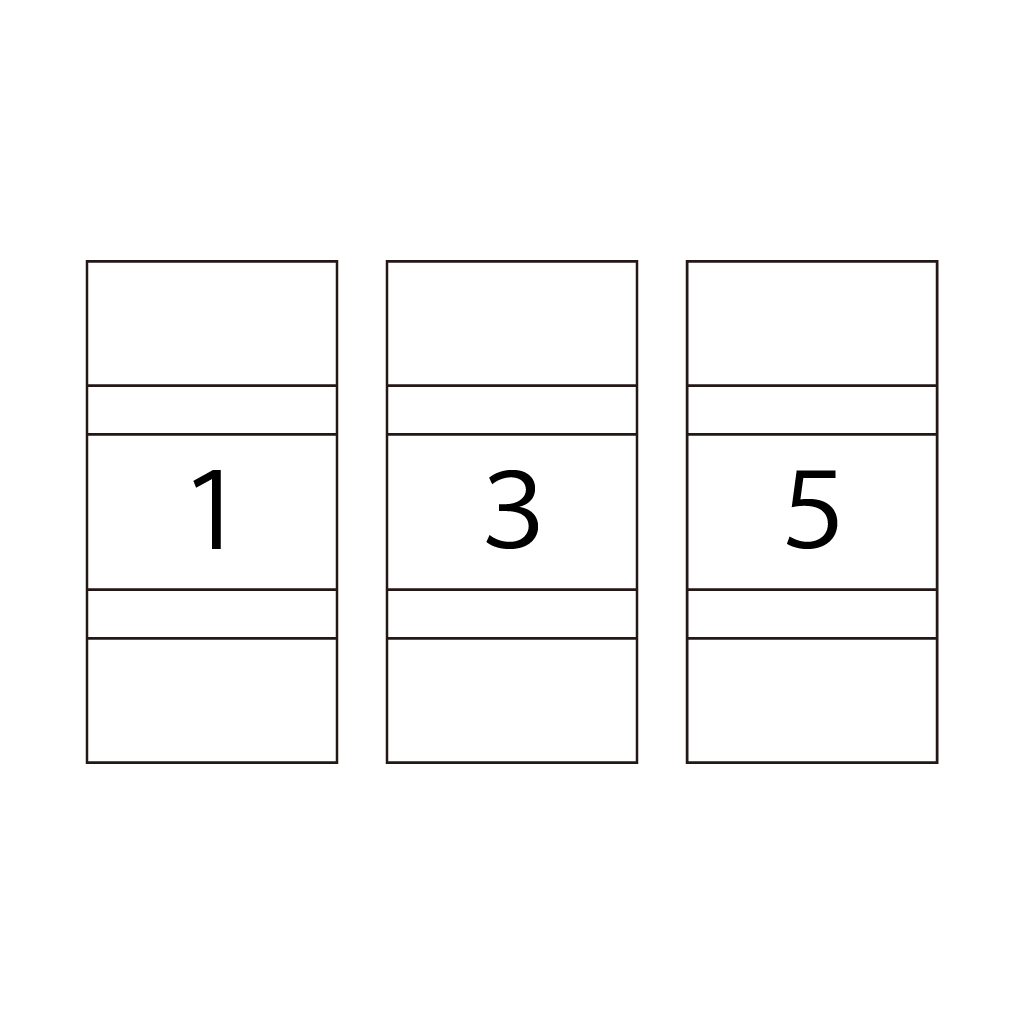
- Return lever to the locked position.
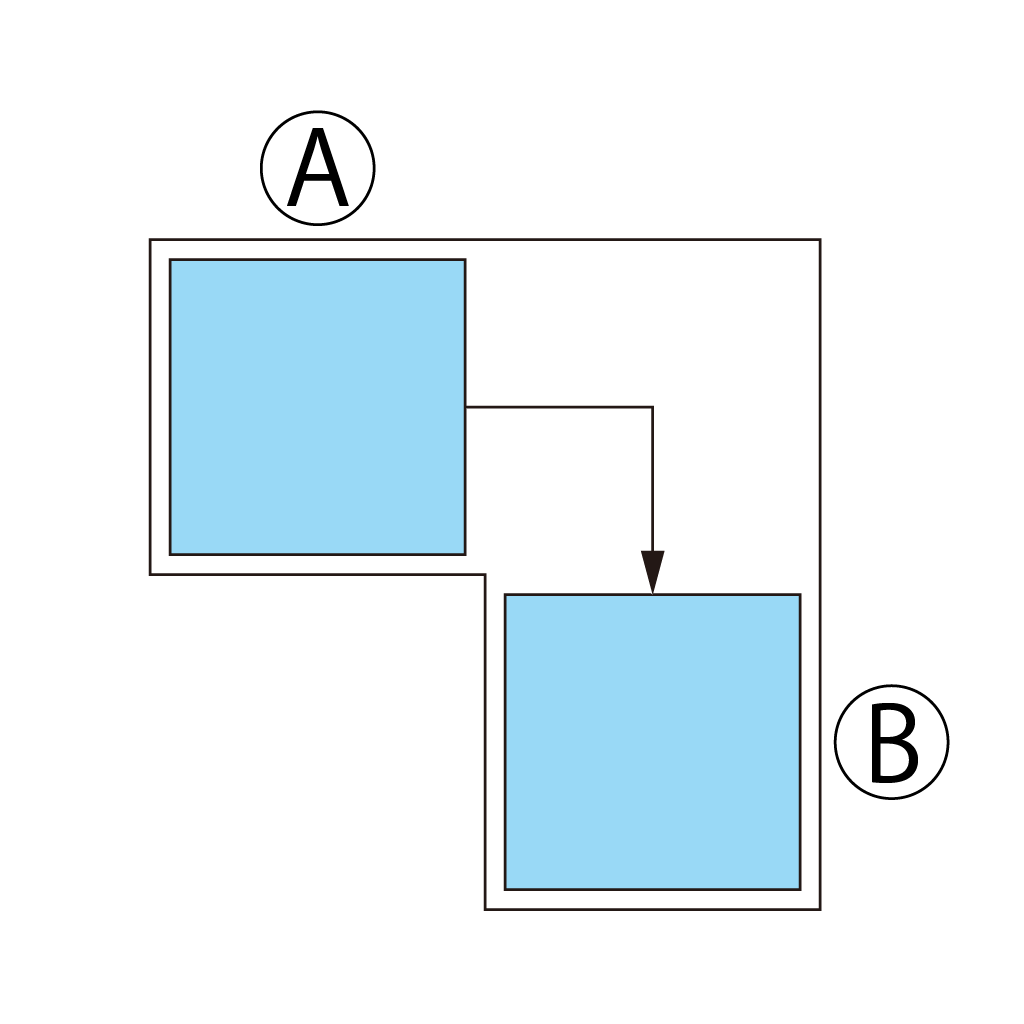
- Replace red tab to the lock.
Replacement parts
The following parts are available separately as replacement parts.
- Wheels
- Arrow sponge